Topics are data schemas that define and standardize the payload of messages sent between different actors in the platform. Topics are grouped under Applications and administered by Application owners (specifically Admin Users in the Client Gateway). They can be updated over time to accommodate changes in the data schema through versioning.
There are 4 types of data schema supported in the Client Gateway topics which are:
JSD7
XML
CSV
TSV
User Guide
Pre-requisites
Authorization to Client Gateway
topiccreator role
Create a Topic
Navigate to Topic Management and select an application for your new topic
Apps and Topics
Click Create
Topic List
Fill up the create topic form and click Save
Organize your topics effectively by using tags
Create topic form
Success message will be shown, click Dismiss to close modal and view the topic list
Successfully created topic
Modify a Topic
Search for the topic that you would like to modify. Click on the ︙ button at the end of the record row and choose View version history
View version history
Click on the ︙ button of the topic version you would like to update and choose Update
Update topic
Make changes to the schema, you may also bump the version and the older version will keep the original schema instead
Update topic form
Success message will be shown, click Dismiss to close modal and view the version history list
Successfully updated topic
Remove a Version History
Click on the ︙ button of the topic version you would like to remove and choose Remove
Remove a version history
A confirmation modal will appear, click Confirm to remove the version history from topic or Cancel
Delete version history confirmation modal
Success message will be shown, click Dismiss to close modal and view the version history list
Successfully deleted version history
Remove a Topic
Search for the topic that you would like to remove. Click on the ︙ button at the end of the record row and choose Remove
Remove topic
A confirmation modal will appear, click Confirm to remove the topic or Cancel
Delete topic confirmation modal
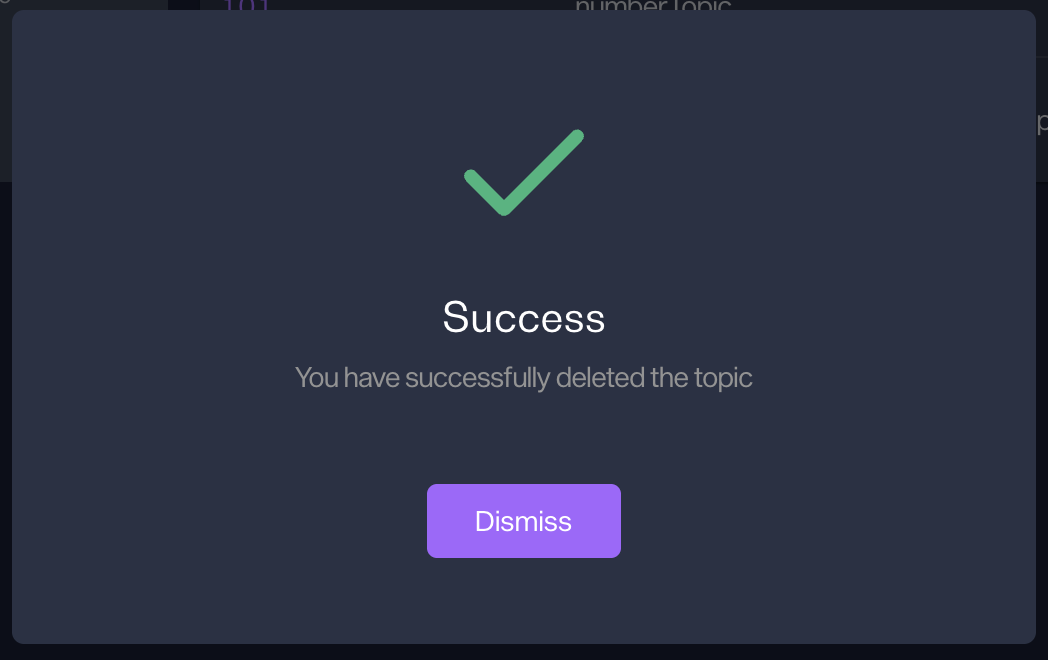
Success message will be shown, click Dismiss to close modal and view the topics list