> For the complete documentation index, see [llms.txt](https://docs-launchpad.energyweb.org/llms.txt). Markdown versions of documentation pages are available by appending `.md` to page URLs; this page is available as [Markdown](https://docs-launchpad.energyweb.org/ewx-ecosystem/staking-on-energy-web-x/delegated-staking-on-energy-web-x/delegated-staking-with-the-energy-web-x-staking-app/claim-unstake.md).
# Claim Unstake
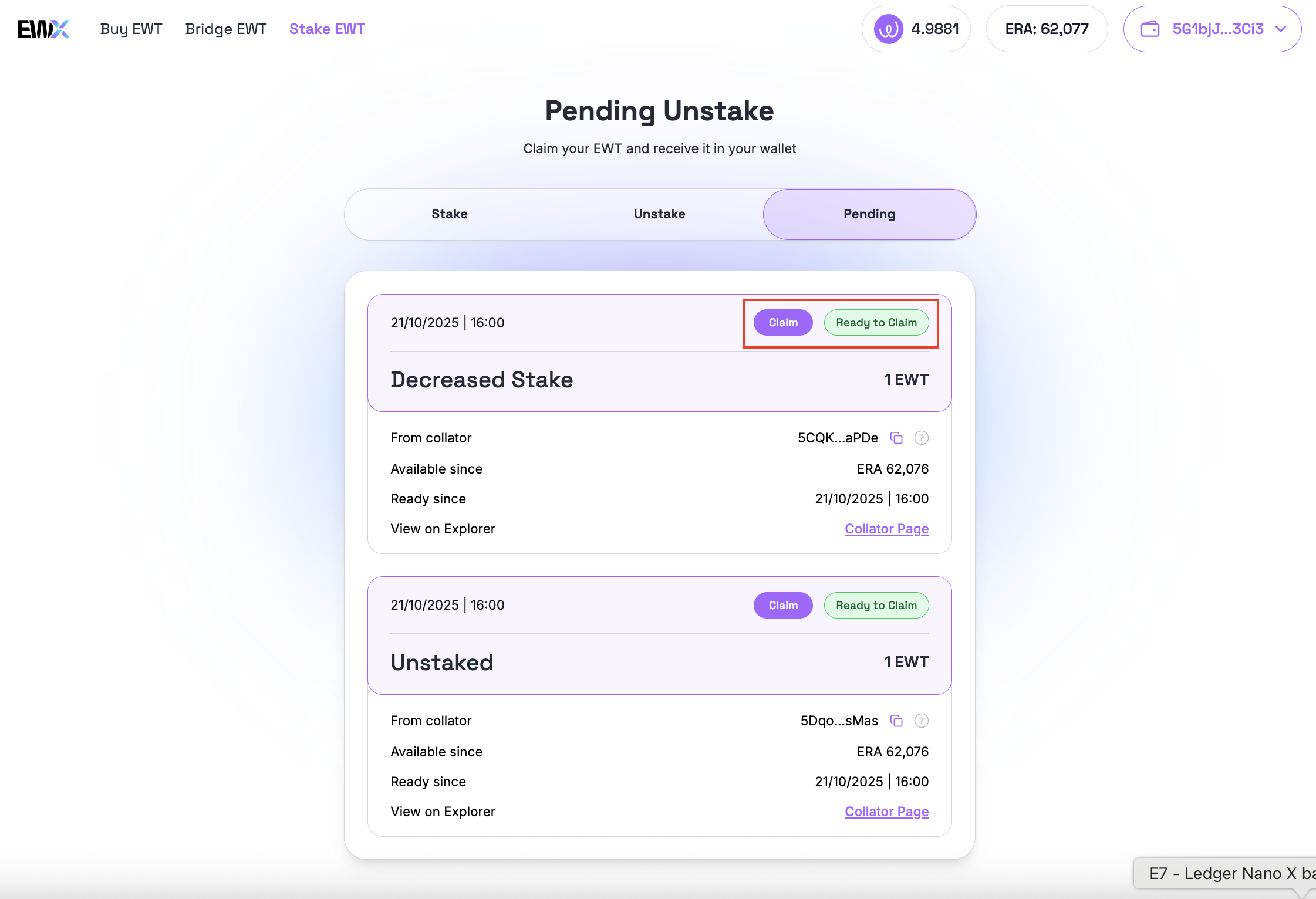
After an unstake schedule matures, currently at two (2) ERAs, the amount unstaked can already be claimed. In the Pending tab, such item will have the "Ready To Claim" status with a "Claim" button.
Scheduled unstake item becomes ready to be claimed
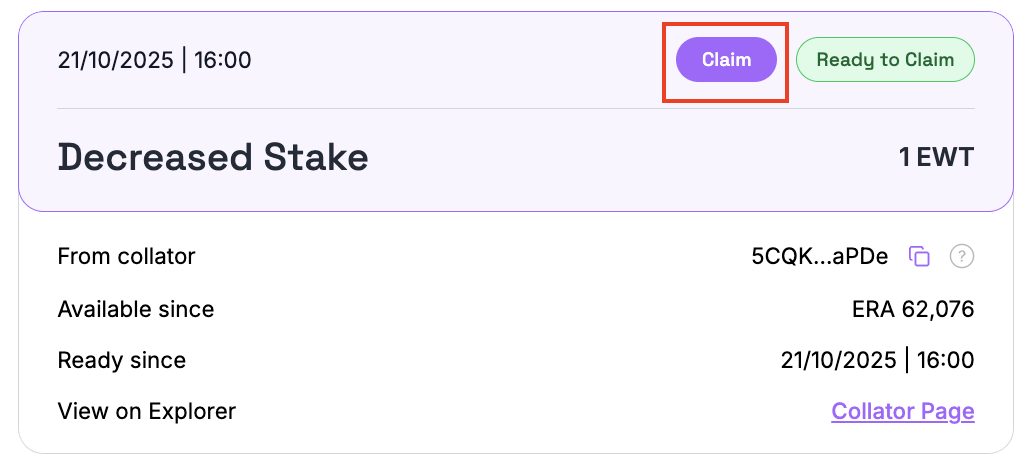
To claim, simply click on the "Claim" button.
Item to be claimed
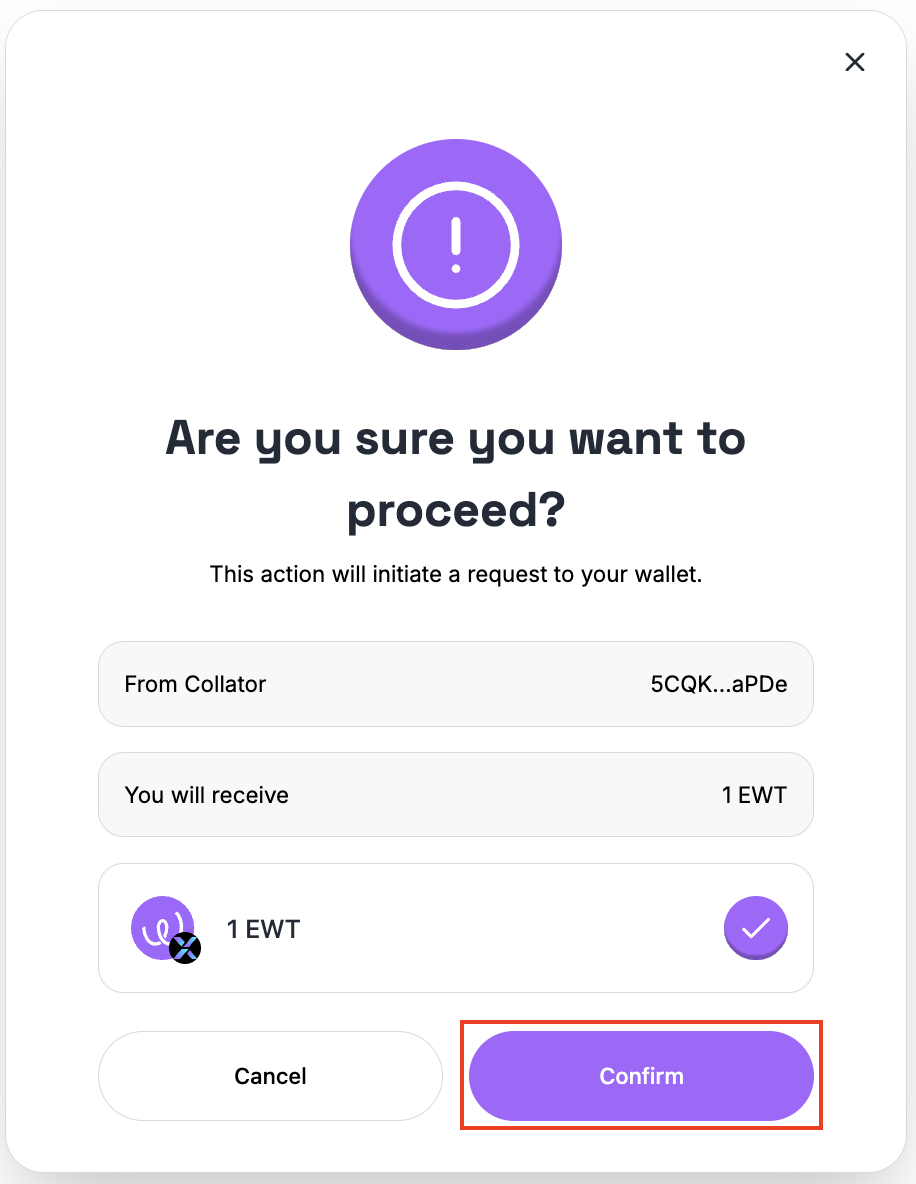
A confirmation screen will be displayed. Review the item to be claimed and click on the "Confirm" button to initiate the transactions.
Confirmation dialog
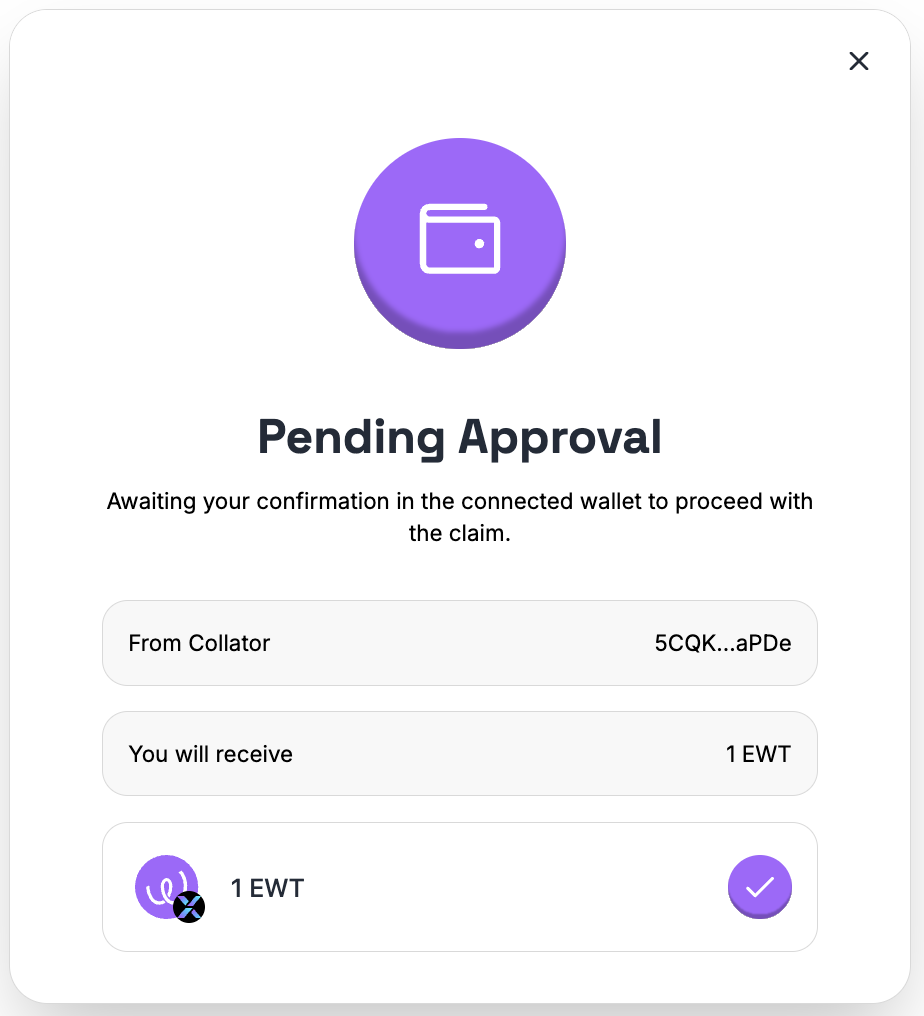
Confirm the transaction in your wallet.
Claim pending for approval in the wallet dialog
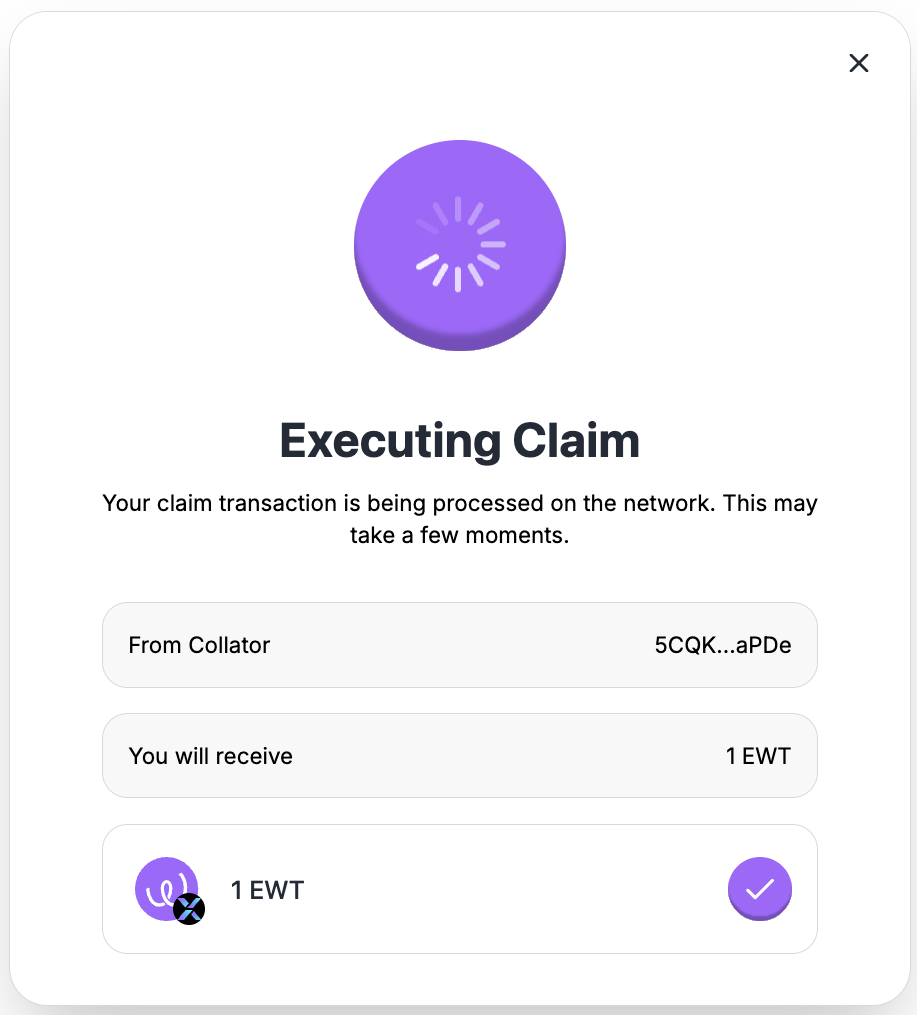
Claim executing dialog
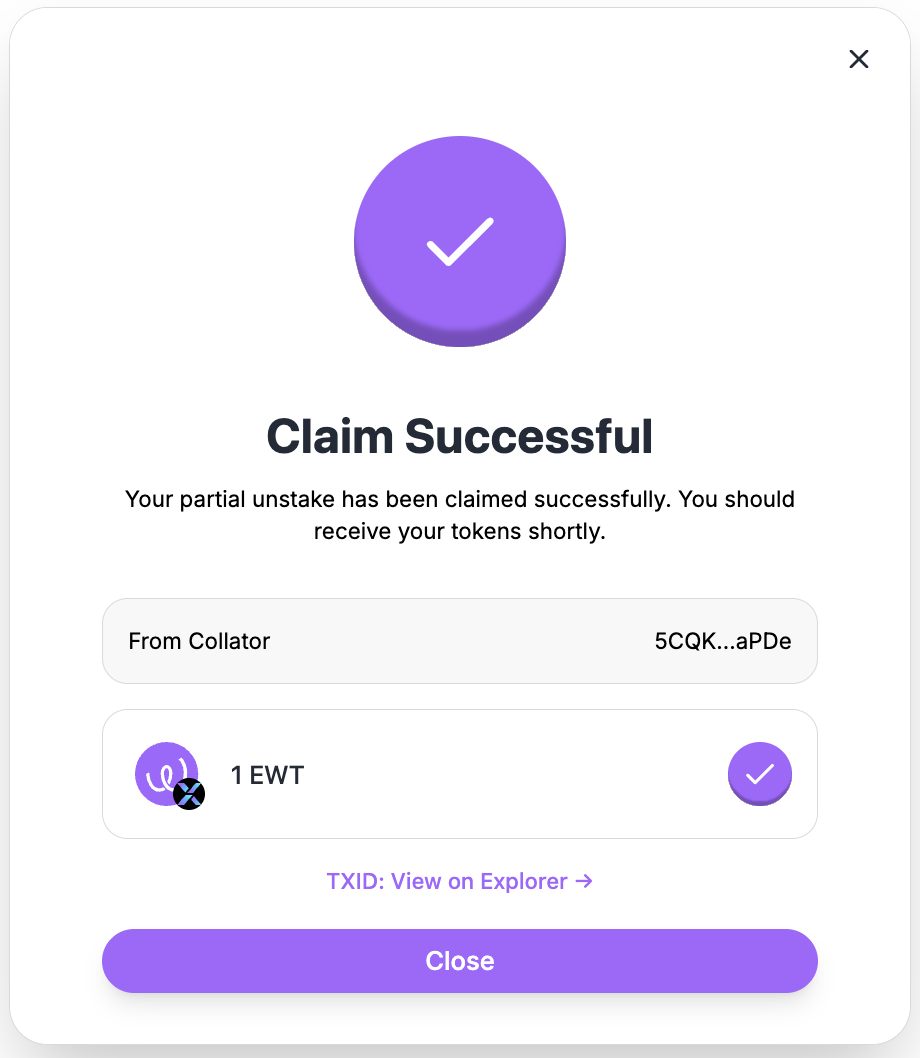
Claim success dialog
After successfully claiming the unstake amount, the record will be removed from the "Pending" tab and the "Available to Stake" amount in the "Stake" tab will be increased.