> For the complete documentation index, see [llms.txt](https://docs-launchpad.energyweb.org/llms.txt). Markdown versions of documentation pages are available by appending `.md` to page URLs; this page is available as [Markdown](https://docs-launchpad.energyweb.org/ewx-ecosystem/staking-on-energy-web-x/liquid-staking-on-energy-web-x/liquid-staking-with-the-energy-web-x-staking-web-app/liquid-stake-to-get-usdstewt.md).
# Liquid stake to get $stEWT
### Understanding the terms in the display
Before staking, it is important to get acquainted and be familiar with the terms used in the Stake page.
* **Liquid Balance** - balance in $stEWT which represents the amount that has been liquid staked
* **Redeemable Balance** - balance in $stEWT which can be unstaked
* **Exchange Rate** - the exchange rate between $EWT and $stEWT
* **Available to Stake** - amount in $EWT which can be used to liquid stake
* **Transaction Cost** - network fee required to process the staking transaction
### Liquid stake $EWT
{% hint style="success" %}
Ensure that there is enough EWT in the connected EWX wallet account.\
\
For EWX wallet accounts with insufficient EWT, tokens can be bridged from EWC and ETH networks using the official [EWX Bridge Web App](https://bridging.energywebx.com/bridge).
{% endhint %}
To stake, input an amount to stake and click the "Stake" button.
{% hint style="warning" %}
Staking locks your EWT for an unbonding period (currently 2 eras). Slashing risk applies: if a selected collator malperforms, a portion of your stake may be slashed. Rewards are not guaranteed.
{% endhint %}
Input amount to liquid stake
A confirmation screen will be displayed. Review the details as displayed and ensure that the checkbox is ticked. Click the "Confirm" button to initiate the transaction.
Liquid staking confirmation dialog
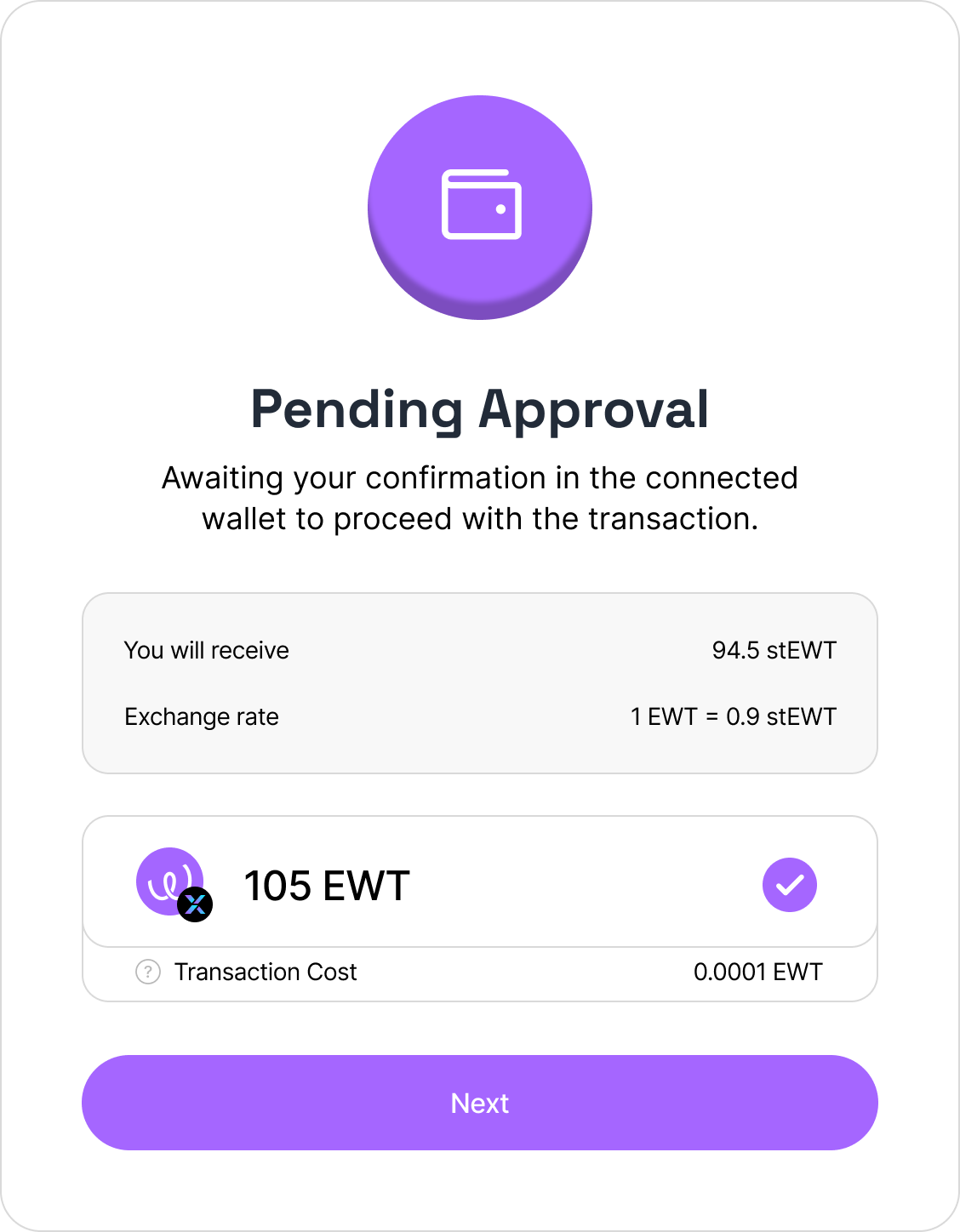
Confirm the transaction in your wallet.
Liquid stake transaction is pending approval
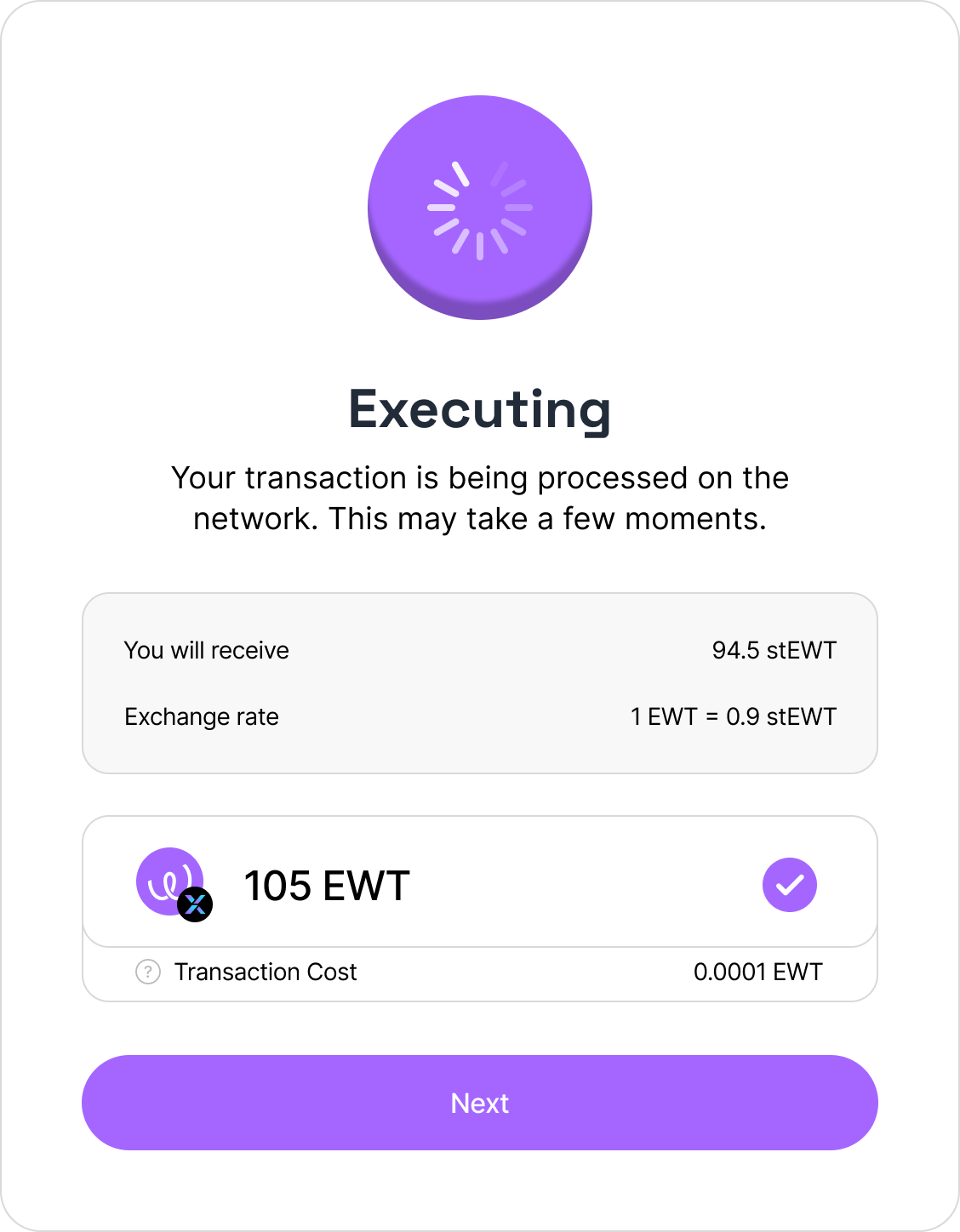
Liquid stake transaction is executing
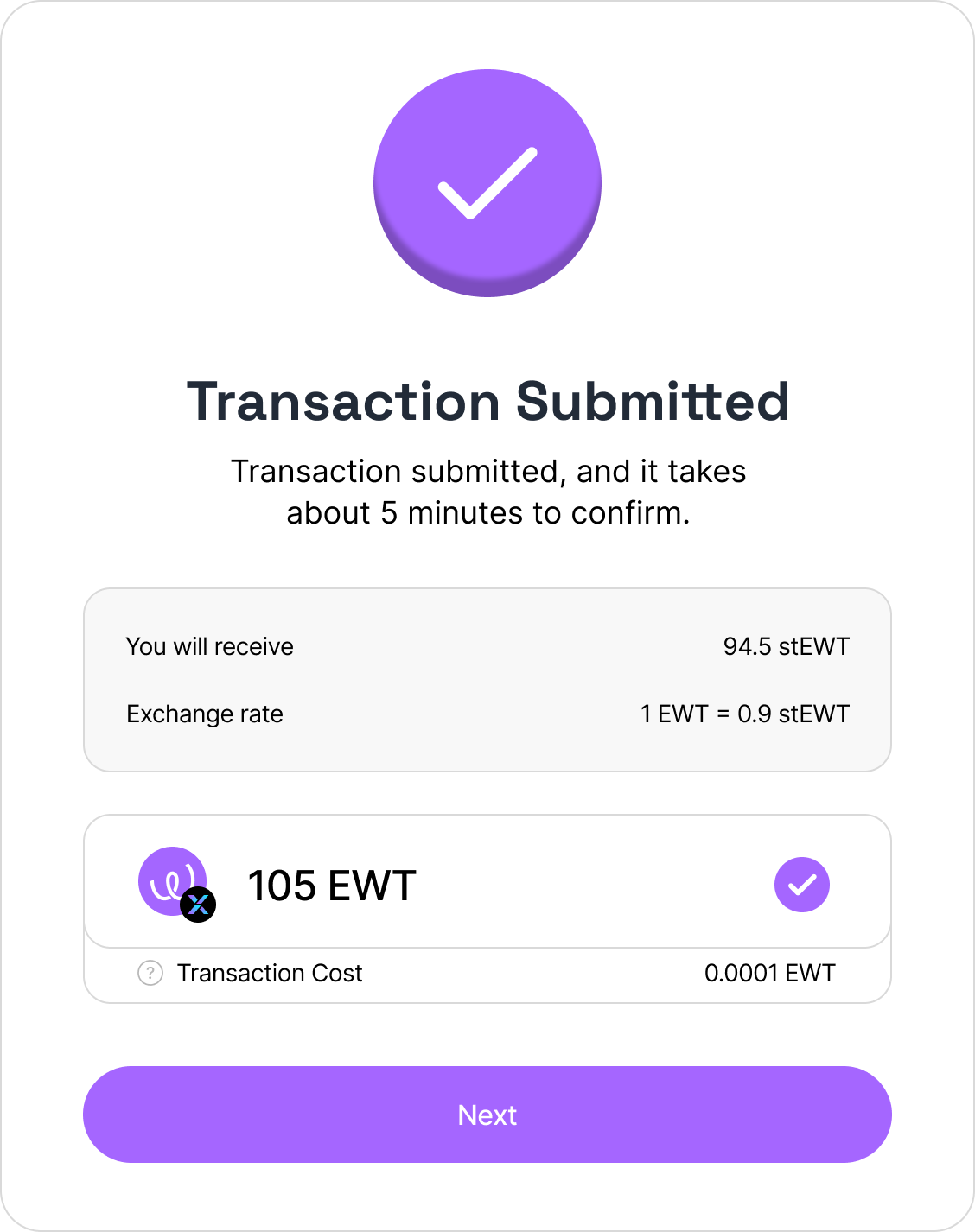
Liquid stake transaction is submitted
After successfully executing the transaction, Liquid Balance and Available to Stake amounts will be updated.
Balances are updated accordingly
### Top-up Stake Amount
To top-up stake amount, simply follow the same steps as described in the [Liquid stake to get $stEWT](/ewx-ecosystem/staking-on-energy-web-x/liquid-staking-on-energy-web-x/liquid-staking-with-the-energy-web-x-staking-web-app/liquid-stake-to-get-usdstewt.md#liquid-stake-usdewt) section above.