> For the complete documentation index, see [llms.txt](https://docs-launchpad.energyweb.org/llms.txt). Markdown versions of documentation pages are available by appending `.md` to page URLs; this page is available as [Markdown](https://docs-launchpad.energyweb.org/ewx-ecosystem/the-marketplace-app/operator-and-worker-accounts/connecting-to-operator-account.md).
# Connecting to operator account
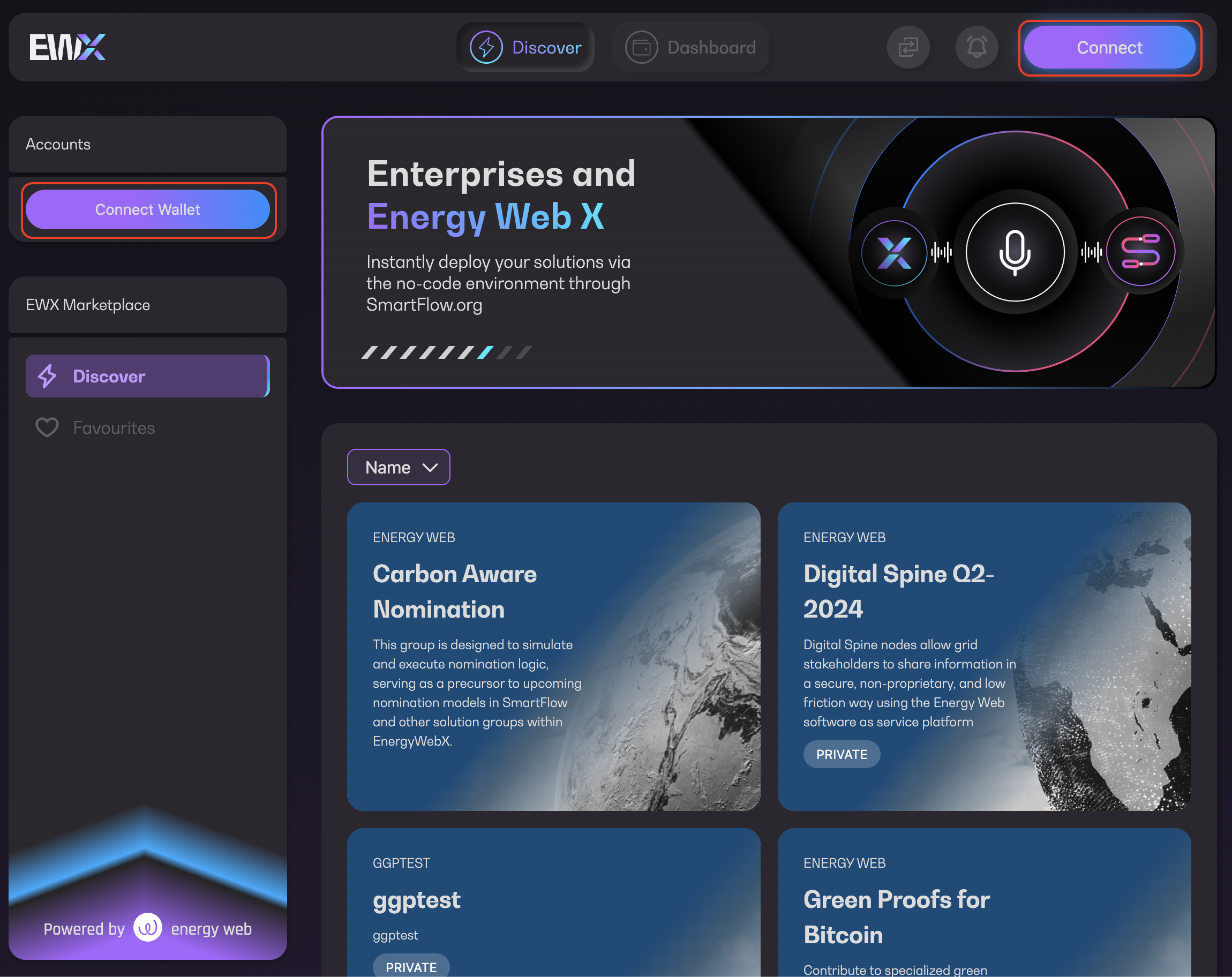
The Marketplace app allows you to browse through a list of available solution groups with or without a wallet being connected. Without the connection however, you won't be able to perform token lifting, lowering or subscription. To connect:
1. Click on `Connect` button either on the left-side panel or on top corner of the screen
{% hint style="info" %}
Tip: There's a "Connect" button in the solution group detail page as well
{% endhint %}
Connect Wallet
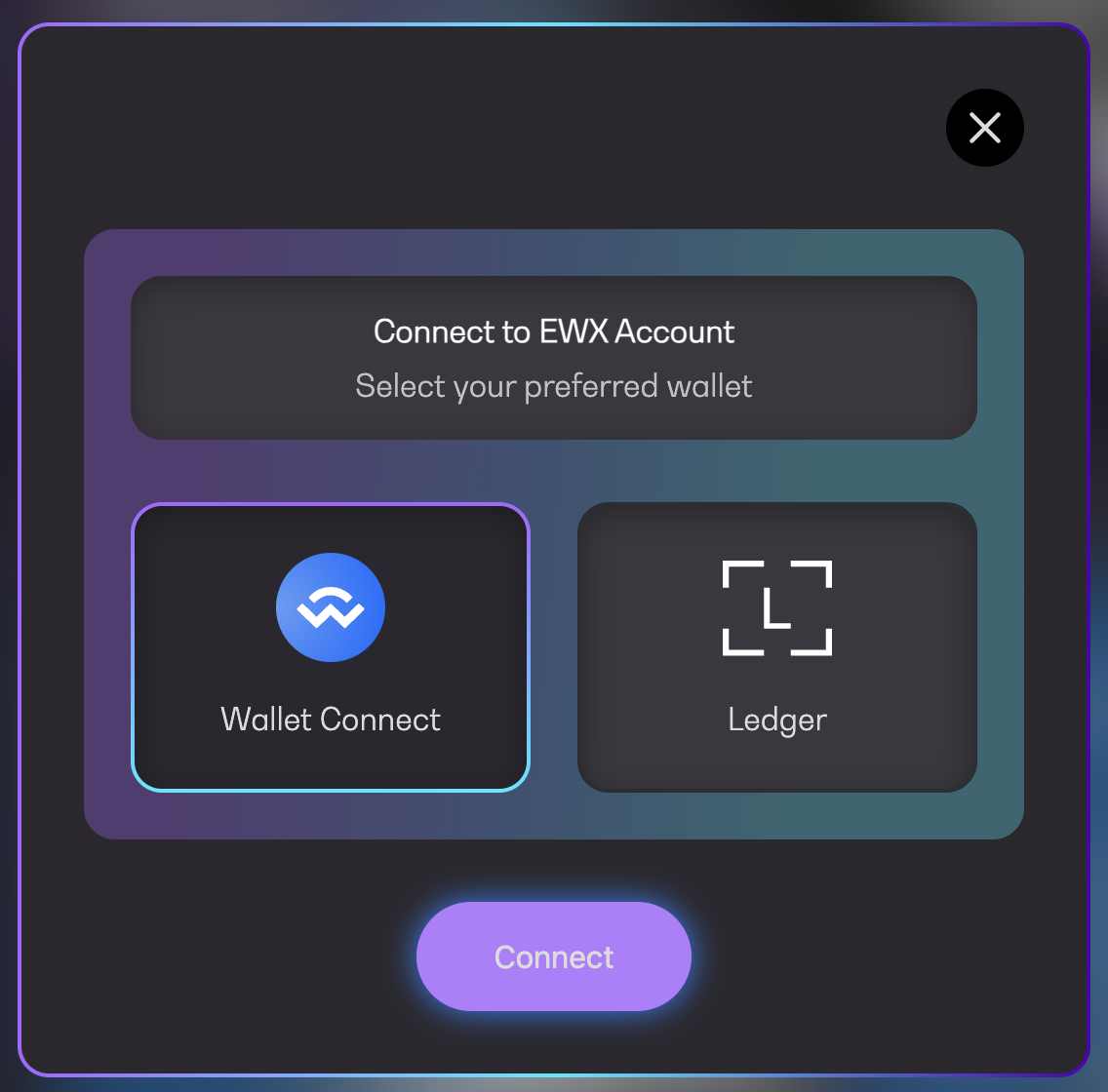
2. Choose your preferred wallet to connect (SubWallet/Ledger)
Connect to EWX Account
### Option 1: Using SubWallet
1\. Scan the displayed QR code using your SubWallet app, select an account that you wish to connect and click on `Approve`
WalletConnect QR Code
2. You will see "Account connected successfully" message on the Marketplace app screen. Click `Continue` to proceed
WalletConnect successfully connected
***
### Option 2: Using Ledger
Please refer to [How to use Ledger on Marketplace App](/ewx-ecosystem/the-marketplace-app/how-to-use-ledger-on-marketplace-app.md) for more info.