> For the complete documentation index, see [llms.txt](https://docs-launchpad.energyweb.org/llms.txt). Markdown versions of documentation pages are available by appending `.md` to page URLs; this page is available as [Markdown](https://docs-launchpad.energyweb.org/ewx-ecosystem/the-marketplace-app/operator-and-worker-accounts/creating-an-operator-account.md).
# Creating an operator account
## Sign up as an operator
### Prerequisites
* [x] [EWX](/ewx-ecosystem/the-marketplace-app/token-management/creating-an-ewc-account.md) account that is [connected](/ewx-ecosystem/the-marketplace-app/operator-and-worker-accounts/connecting-to-operator-account.md) to Marketplace
* [x] Some [funds](/ewx-ecosystem/the-marketplace-app/operator-and-worker-accounts/funding-an-operator-account.md) in the EWX account for transaction fee
1. Select any of the solution group that is available for subscription and click `Opt-in`
Opt-in to a solution group
2. Enter the name you desired for your operator account in the text field, select country of residence and then hit `Continue`
Sign up as operator
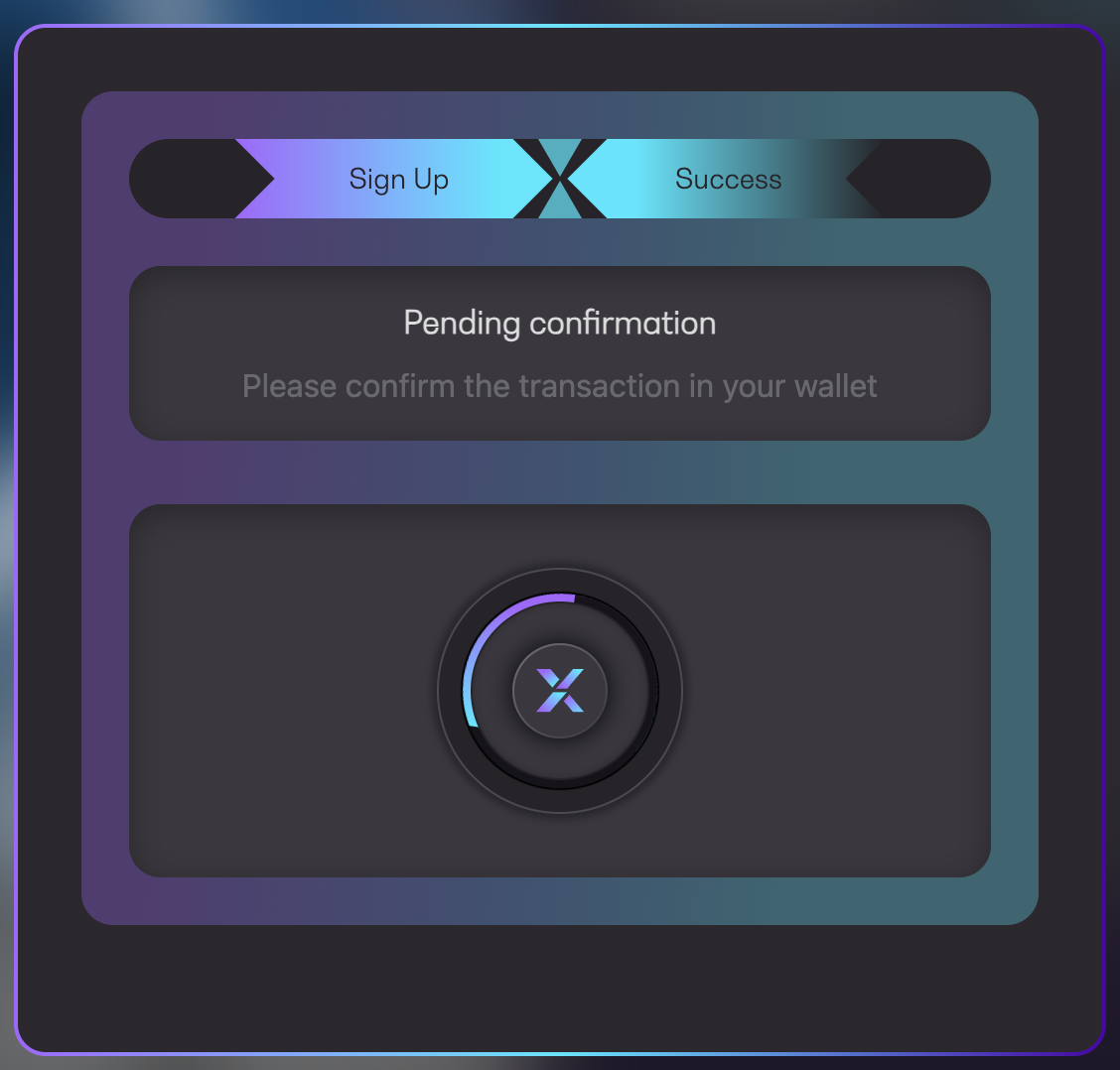
3. Confirm the transaction in your wallet
Pending confirmation
4. Once approved, wait for the transaction to be executed
Executing transaction
5. You will see a success message along with the transaction URL to Polkadot explorer. Your operator account is now registered :partying\_face: