> For the complete documentation index, see [llms.txt](https://docs-launchpad.energyweb.org/llms.txt). Markdown versions of documentation pages are available by appending `.md` to page URLs; this page is available as [Markdown](https://docs-launchpad.energyweb.org/ewx-ecosystem/the-marketplace-app/operator-and-worker-accounts/importing-worker-account.md).
# Importing worker account
### Prerequisites
* [x] Connected EWX account
* [x] Worker account seed phrase
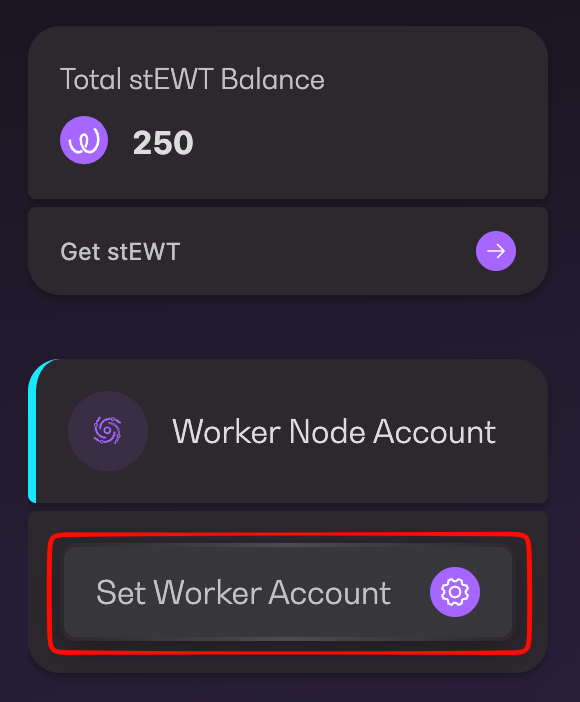
1. Click on `Set Worker Account` on the left panel located under Total EWT Balance in your Dashboard
Set worker account
2. Click `Next` (with default to "In this machine") to proceed
Set worker account on local machine
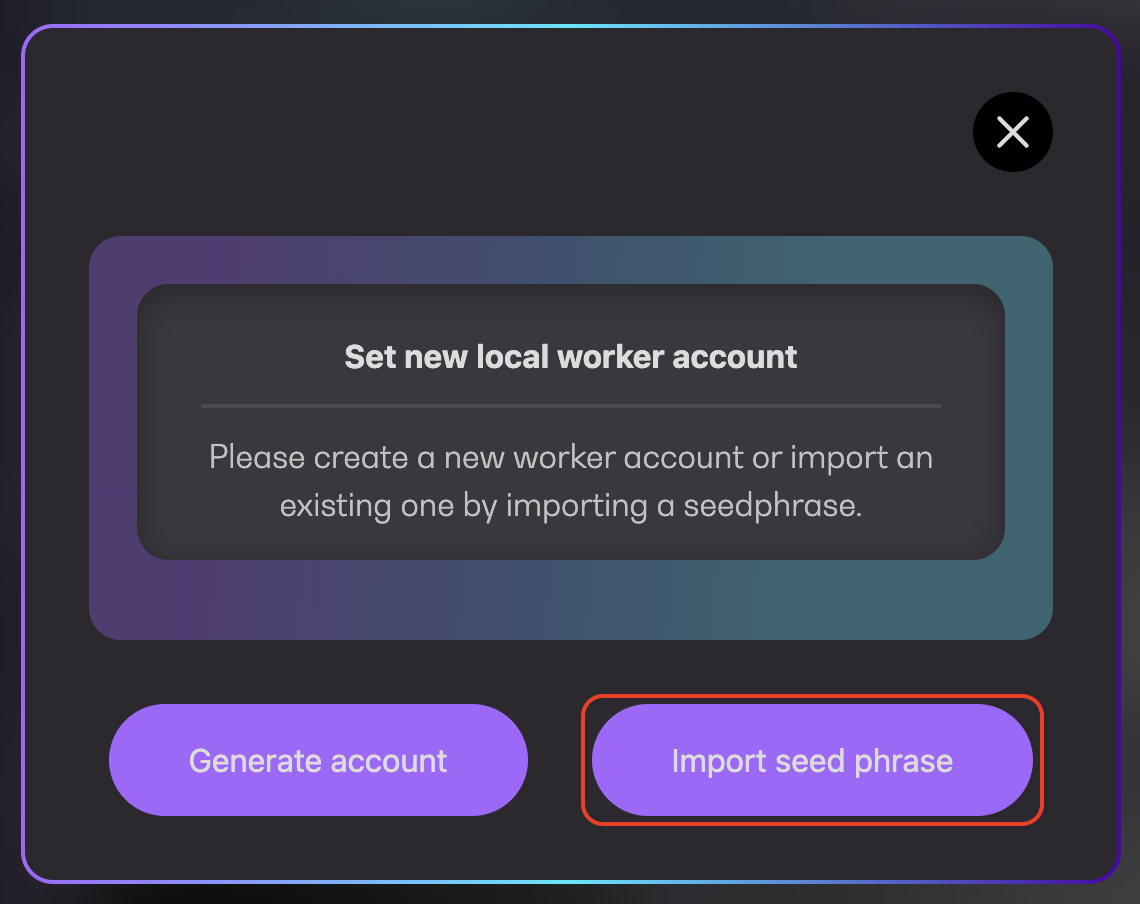
3. Click `Import Seed Phrase`
Import seed phrase
4. Open your mnemonic backup file and copy the contents. Then, click on `Paste from clipboard` and click `Continue`
Enter worker account mnemonic
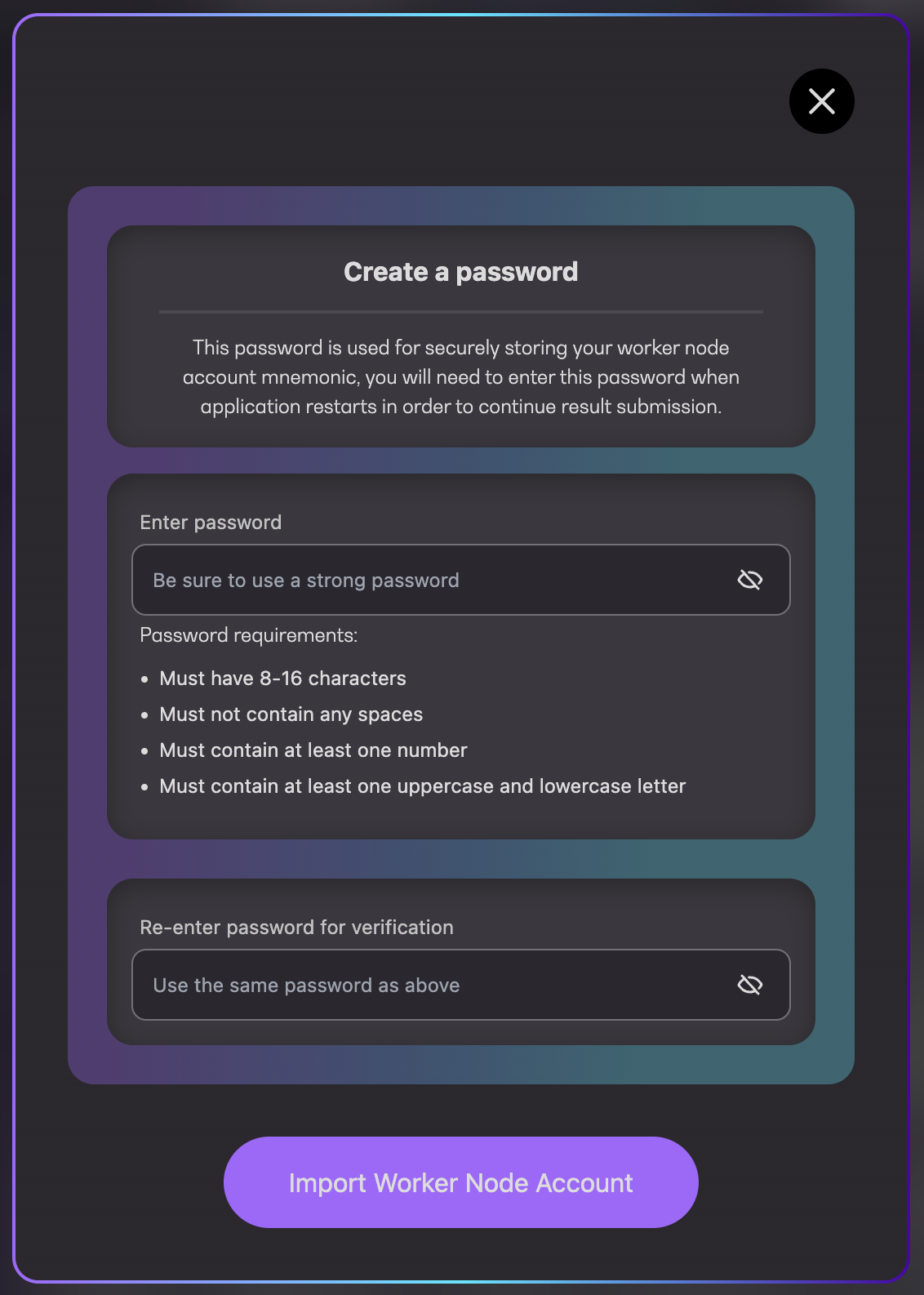
5. Enter password and re-enter it again for verification before clicking on `Import Worker Node Account`
Create a password
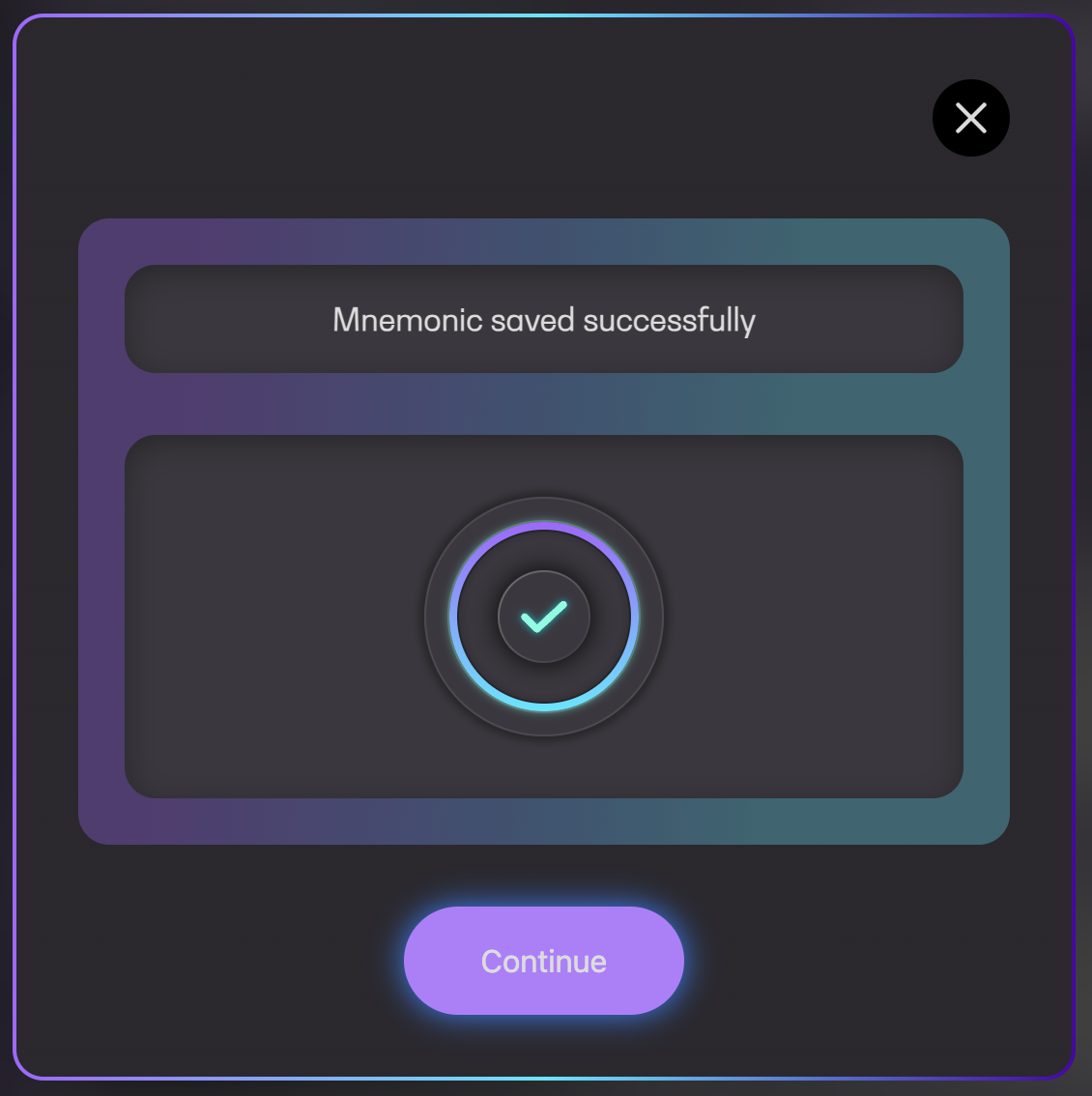
6. Once completed, a success message will be shown