> For the complete documentation index, see [llms.txt](https://docs-launchpad.energyweb.org/llms.txt). Markdown versions of documentation pages are available by appending `.md` to page URLs; this page is available as [Markdown](https://docs-launchpad.energyweb.org/ewx-ecosystem/the-marketplace-app/worker-node-and-rewards/claiming-rewards.md).
# Claiming rewards
### Prerequisites
* [x] Connected EWX account
* [x] Subscribed to a solution group
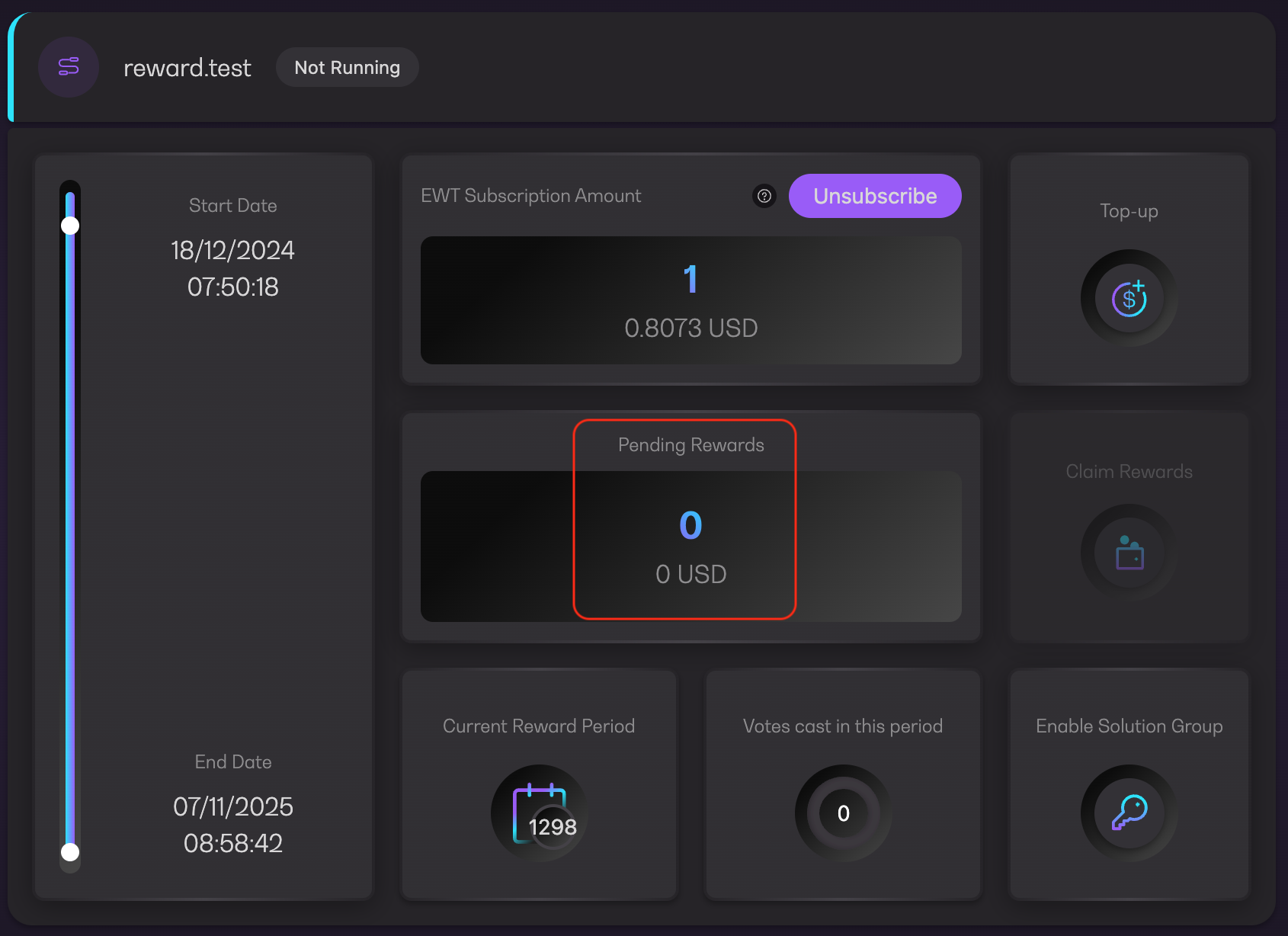
* [x] Pending rewards is not 0
1. Click `Claim Rewards` button either in Dashboard or manage subscription page
{% hint style="warning" %}
Claim rewards button will be disabled if there is no reward earned yet
{% endhint %}
Claim Rewards
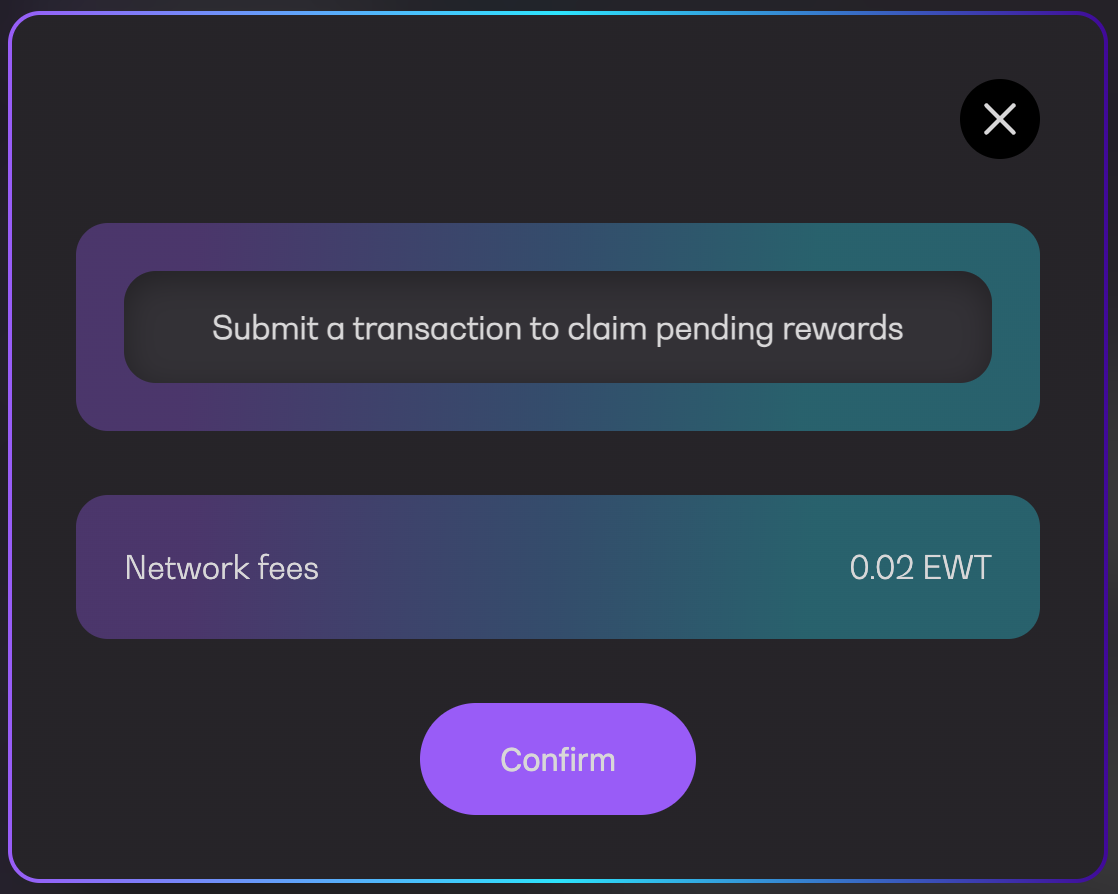
2. Click `Confirm` to proceed
Confirm transaction
3. Confirm the transaction in your wallet
Pending confirmation
4. Wait for the transaction to be executed
Executing transaction
5. You will see a success message along with the transaction URL to Polkadot explorer
Transaction successful
6. Your pending rewards will be reset to 0. Please bear in mind that similar to lifting/lowering, your account balance will take some time to reflect the claimed rewards