> For the complete documentation index, see [llms.txt](https://docs-launchpad.energyweb.org/llms.txt). Markdown versions of documentation pages are available by appending `.md` to page URLs; this page is available as [Markdown](https://docs-launchpad.energyweb.org/ewx-ecosystem/the-marketplace-app/worker-node-and-rewards/participating-into-worker-node-network.md).
# Participating into worker node network
### Prerequisites
* [x] Connected EWX account
* [x] Worker node account set up locally
1. Go to Dashboard, choose any of the subscribed solution group and click on `Enable Solution Group.` You can also find the same menu in Manage Subscription page
Enable solution group in Dashboard
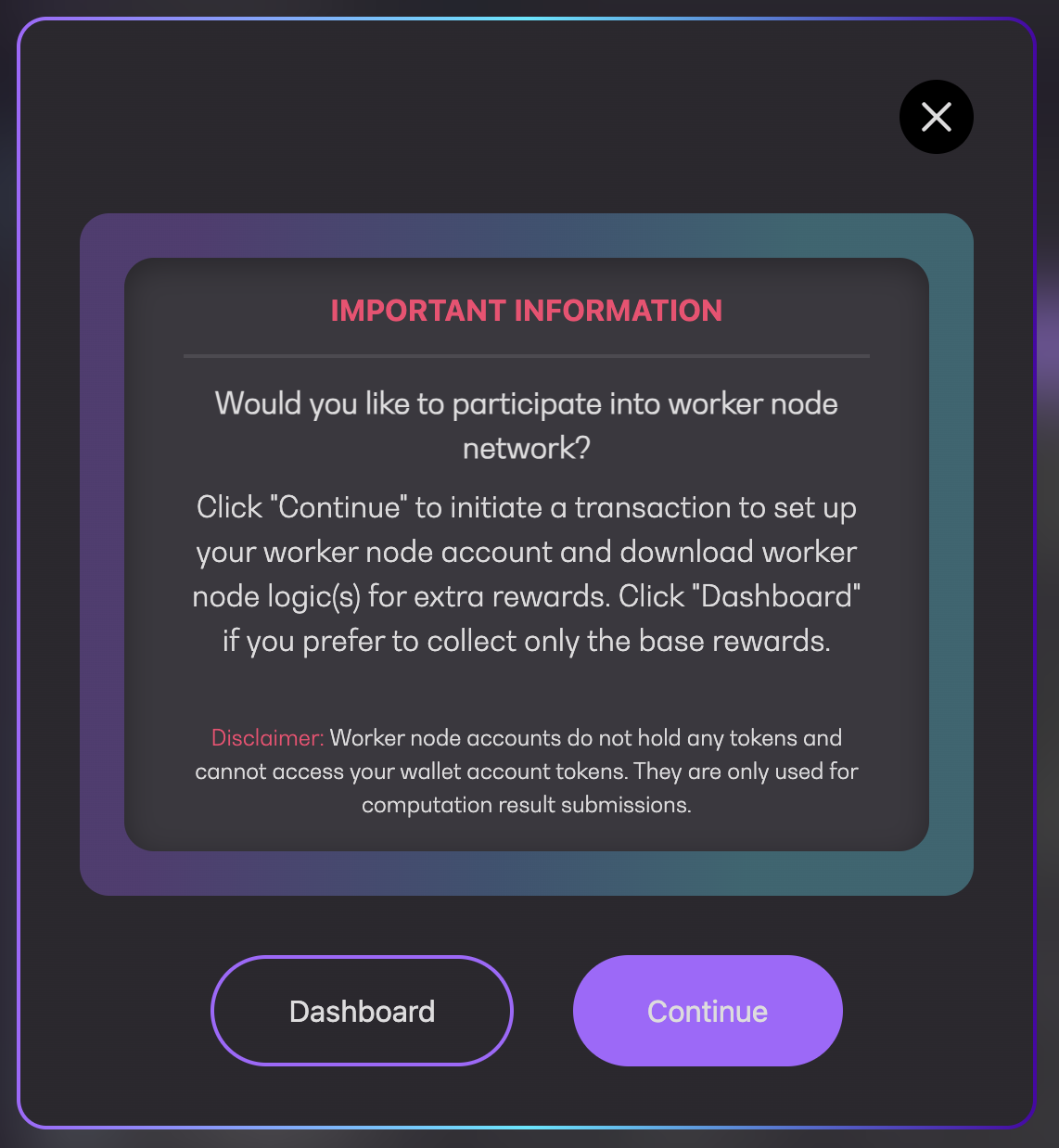
2. A prompt will appear. Click `Continue` to proceed or `Dashboard` to cancel
Participate into worker node network
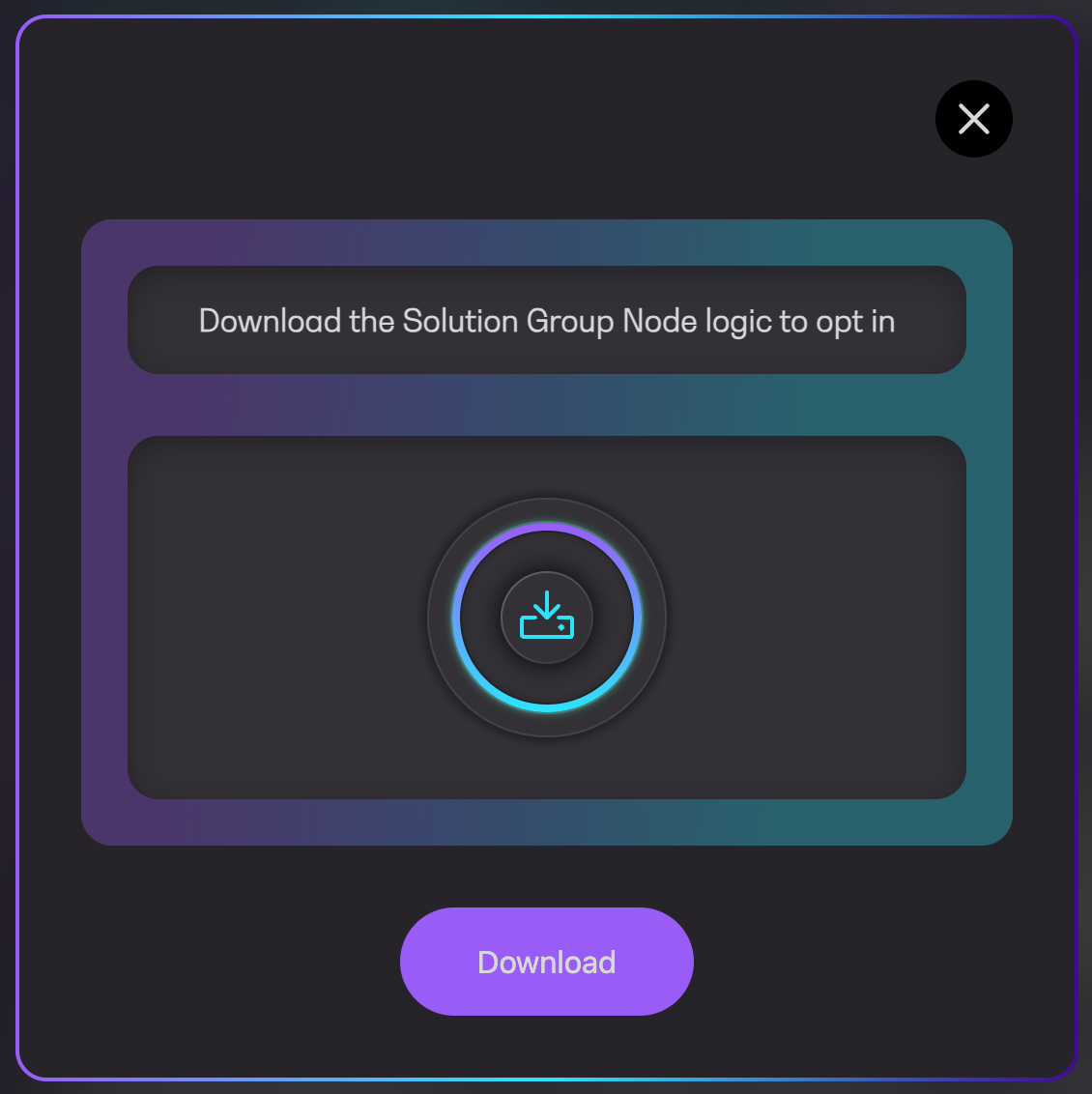
3. System will check if you have linked the accounts. If yes, you'll be prompted to download the solution group node logic. Click `Download` to proceed
Download solution group node logic
4. Check download and installation progress displayed next to the solution group name
Solution group status
{% hint style="warning" %}
For a newly subscribed solution group, `Auto-Installation Scheduled` will be displayed since node will start voting in the next reward period
{% endhint %}
5. Once the status changed to Running, node will start voting. You may pause and resume the solution group and the status will update accordingly