> For the complete documentation index, see [llms.txt](https://docs-launchpad.energyweb.org/llms.txt). Markdown versions of documentation pages are available by appending `.md` to page URLs; this page is available as [Markdown](https://docs-launchpad.energyweb.org/ewx-ecosystem/the-marketplace-app/worker-node-and-rewards/votes-casted-per-period.md).
# Votes casted per Period
Votes count per period will be displayed on Dashboard and in manage subscription pages.
Votes count
## Voting transactions and logs
In manage subscription page, there are list of both active and inactive solution group nodes that allow you to access their respective transactions and logs across reward periods. There are also status (Active/Inactive) and health status indicators for each of the solution group nodes.
{% hint style="warning" %}
Logs and transactions are not available for remote worker node and they will be disabled
{% endhint %}
Manage subscription
### Voting transactions
`Transactions` will list all of the transaction records grouped by reward period. You may change the reward period number to view past data or search the logs and even filter the log type (All/Info/Success/Error)
Transactions table
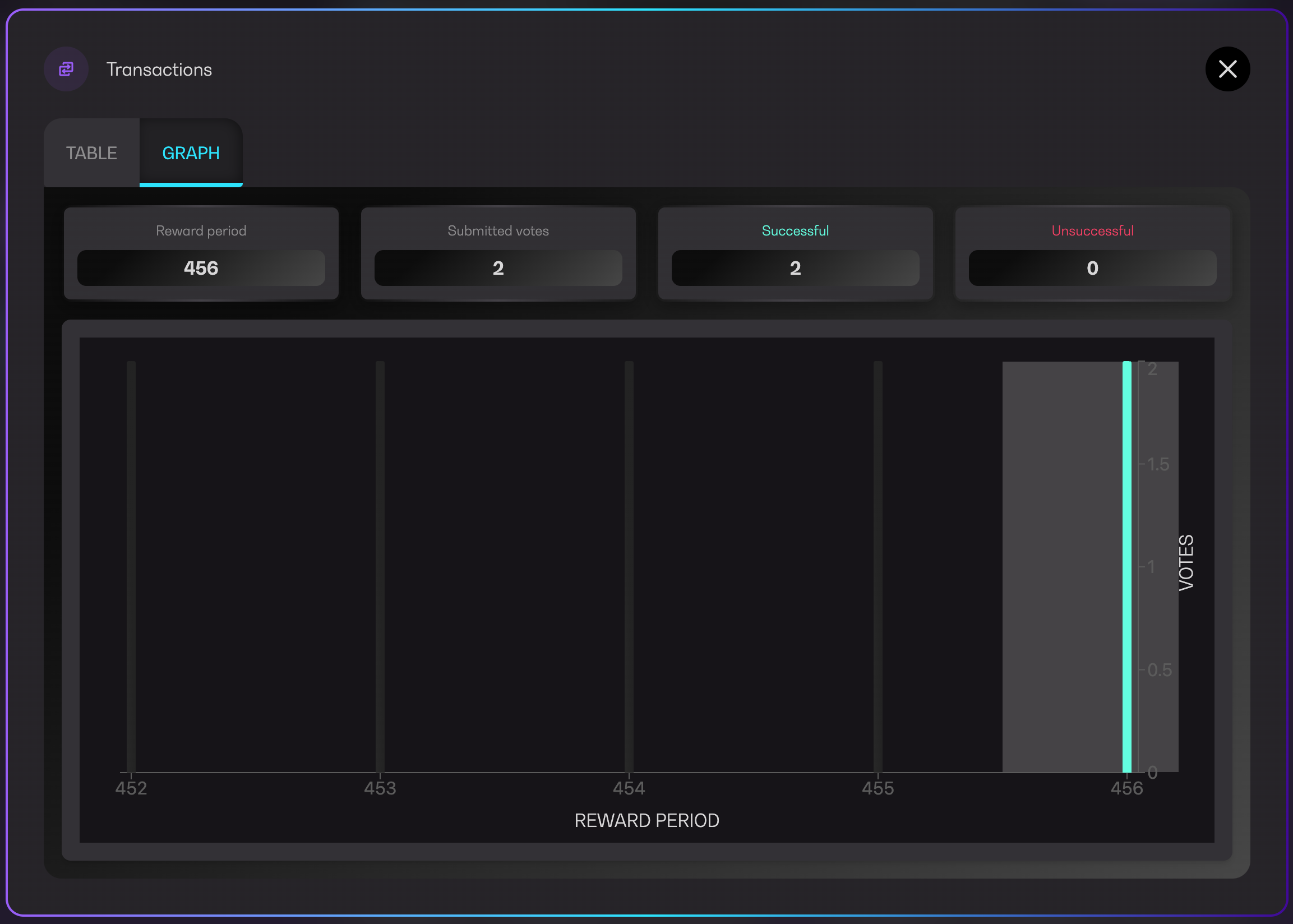
For graphical representation of votes per reward period, you may switch to `Graph` tab. Hover on any of the reward periods to view the infos displayed at the top of the graph.
Transactions graph
### Voting logs
Similarly, worker node logs can also be searched, filtered by status and switched to historical data based on their reward period.